
Stake attention in this memory
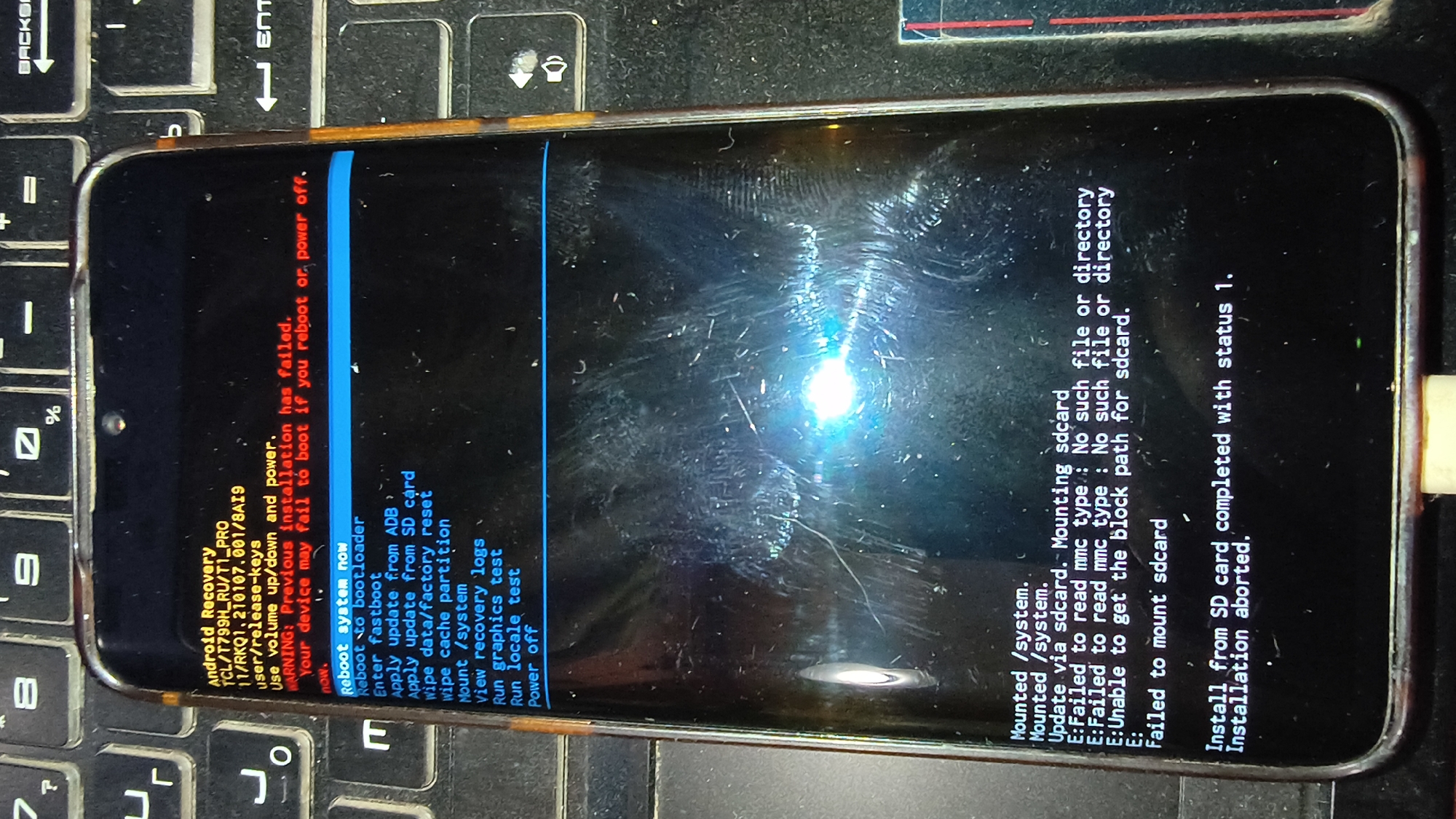
This is a close-up, eye-level, horizontal photograph of a smartphone screen displaying the Android Recovery menu, resting on a black keyboard. The phone screen is dominant, occupying most of the frame, and is lit by an external light source which creates glare and reflections. The background is a black keyboard with white lettering. The phone screen displays text in white and some red error messages. The header reads "Android Recovery" followed by device information. Below this, a red warning states, "WARNING: Previous installation has failed. Your device may fail to boot if you reboot or power off." A list of options is presented, highlighted with a blue indicator on "Reboot system now". Options include "Reboot to bootloader", "Enter fastboot", "Apply update from ADB", "Apply update from SD card", "Wipe data/factory reset", "Wipe cache partition", "Mount /system", "View recovery logs", "Run graphics test", "Run locale test", and "Power off". Further down the screen, there are log entries, indicating actions like "Mounted /system." and "Update via sdcard. Mounting sdcard". These are followed by several error messages starting with "E: Failed to read mmc type: No such file or directory" and "E: Unable to get the block path for sdcard.", concluding with "E: Failed to mount sdcard". The final visible text states, "Install from SD card completed with status 1. Installation aborted." The image is a still capture of a device in a state of recovery mode, likely due to a failed software update or installation attempt. The environment is dimly lit, with the primary illumination focused on the phone screen. There are no people visible in the photograph. The phone itself is a dark-colored smartphone with a screen protector that shows numerous scratches and smudges. The keyboard appears to be a standard QWERTY layout. The overall scene is consistent with a technical troubleshooting scenario.
Loading AttnAds…
No transactions found